Choosing a work café in Bangkok: what to check before you order
A practical 10-point checklist for choosing a work-friendly Bangkok café, covering Wi-Fi, power, seating, noise, calls, food, toilets, laptop rules, transport and backup plans.
Quick answer
Start with the thing you cannot work without: a socket, a steady connection or somewhere you can talk. Then check the table and the journey. A lovely café can be the wrong place for today's job—and a simple nearby one can be exactly enough.
A quick check before you order
| Your situation | Start with | Check before choosing |
|---|---|---|
| Short document task | Nearby table; charged laptop | Laptop permission and departure time |
| Several hours of work | Comfort, food and usable power | Actual chair, socket and stay policy |
| Call or presentation | Appropriate speaking space | Permission, microphone and connection |
Use this as a decision aid. Check the exact café, route and current terms before committing; examples are not live prices or reservations.
1. Define the job before choosing the café
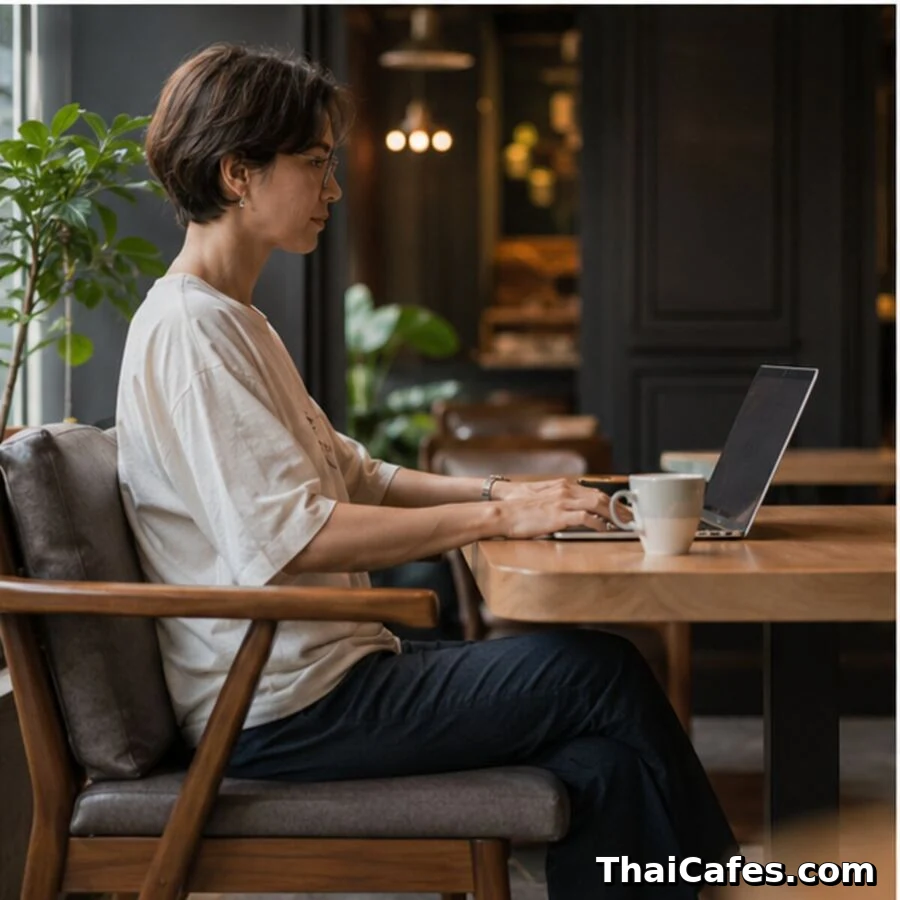
You order a drink, unpack your laptop, and only then notice that the nearest socket is across the room. Or the table is too low to type comfortably. These are small annoyances on a coffee break and much bigger ones when you have work due. A quick look around before ordering usually tells you more than a dozen photographs. Think about what you need for the next hour, rather than trying to find a café that is perfect for every possible workday.
Estimate your stay honestly. For less than an hour, proximity and quick service may matter more than an ideal chair. For two to four hours, seat depth, table height, food, toilets and the ability to order again become important. For an all-day deadline, a coworking day pass may be more reliable and fair to the venue. Also decide whether you need silence, a conversational room or space for two people. ThaiCafes work modes—Deep Focus, Calls & Meetings, Work Together, Casual Laptop, Stay & Work and Quick Stop—are useful because they describe the job rather than pretending one score can answer every situation.
Create three non-negotiables and three preferences. Non-negotiables might be power, an indoor air-conditioned seat and a mobile signal strong enough for tethering. Preferences might be specialty coffee, a window seat or a leafy view. If a café fails one non-negotiable, leave before ordering or switch to a lower-risk task. This simple separation makes decisions faster when Bangkok weather, full tables or a changed laptop policy disrupt the plan. It also keeps you from treating every attractive feature as equally important, which is how remote workers end up with great coffee but an unfinished deadline.
Around Ari, The Coffee Zelection is a useful example: a short walk and Wi-Fi can suit a quick task, but you need a charged laptop. Poet House Cafe is worth comparing when charging and a longer session matter. Start with the Ari station page, then open the individual café pages to compare the facilities you will actually use. The Ari Wi-Fi and power guide takes that comparison further.
2. Check the table, chair and usable space
A beautiful chair can become painful after thirty minutes. Look for a seat that supports a neutral posture, a table high enough to keep the laptop screen near eye level and enough depth for forearms without pushing the computer toward the edge. Very low lounge tables suit coffee but not serious typing. Backless stools are useful for quick stops, not long sessions. If possible, sit for a minute before ordering and notice whether your shoulders rise, your knees hit the table or the chair forces you to twist. Small ergonomic problems become large concentration problems during a long Bangkok work block.
Study the whole seat, not only the furniture. Is it directly under a speaker, beside the queue or facing the afternoon sun? Will customers repeatedly pass behind your screen? Is the air-conditioning uncomfortably cold, or is an outdoor seat exposed to heat and rain? A good work seat protects attention. Corners and wall-facing counters can help deep focus, while a social central table may be better for a meeting. Avoid blocking a four-person table alone when smaller seats are available, especially during lunch, brunch or weekend peaks.
Make sure your setup stays inside one seat. A laptop, mouse, notebook and drink should fit without using the neighbouring chair or creating a cable across the walkway. Keep bags under the table when practical. If a café is compact, a 13-inch laptop and minimal kit may work where a second monitor, stand and external keyboard would feel intrusive. The question is not only whether you can physically build an office; it is whether the setup respects the café and remains safe for staff and other customers.
3. Verify Wi-Fi and mobile backup before important work
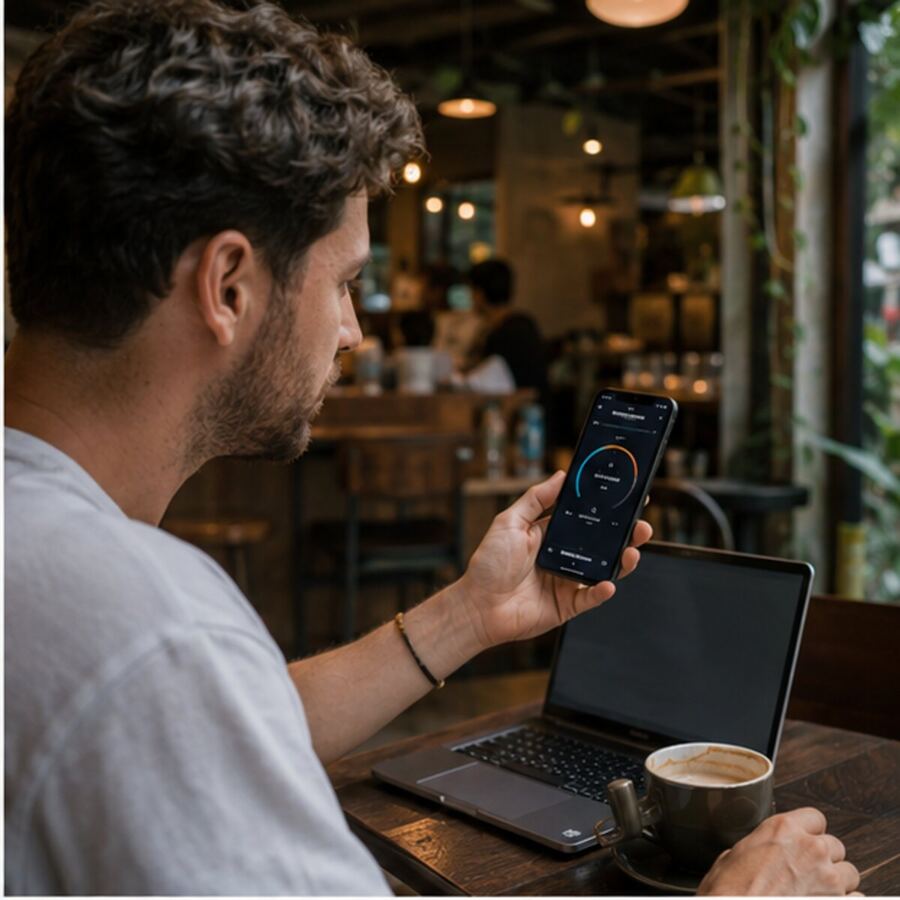
A Wi-Fi sticker does not prove stability. Ask whether customers may use the network, whether a password or time limit applies and whether the signal reaches your chosen seat. Run a real test: open the cloud document you need, upload a small file and, if video matters, check latency as well as download speed. A fast speed test can still hide congestion or packet loss. Observe whether other customers are streaming or working online, and do not begin a critical software update or huge download on a shared network. Save essential files offline before leaving home.
Check your phone signal before committing to the table. A local SIM or eSIM from a major Thai network can serve as a hotspot when café Wi-Fi drops, but coverage varies by building, floor and interior materials. Test tethering for one minute and watch battery drain. Keep your phone plan’s high-speed data allowance in mind; ‘unlimited’ may include a fair-use limit or reduced speed after a quota. For a live workshop, interview or deadline, two independent connections—café Wi-Fi plus mobile data—are safer than trusting one.
Use public networks with sensible security. Confirm the correct network name with staff, prefer encrypted websites, keep devices updated and enable two-factor authentication on important accounts. The FTC notes that modern encrypted websites make public Wi-Fi safer than it once was, but fake websites, weak accounts and unattended devices remain risks. Use your own hotspot or an approved secure connection for sensitive company systems, banking or confidential client material. Lock the screen whenever you leave the table and avoid reading private documents where people behind you can see them.
4. Confirm power, noise and call suitability
A visible socket may not be available. It may be decorative, switched off, shared with café equipment or too far for a safe cable. Ask before plugging in and never unplug a lamp or device. Arrive with a charged laptop and power bank so power is a bonus rather than a single point of failure. If you need several hours, calculate realistic battery life with video, screen brightness and hotspot use—not the manufacturer’s best-case number. A compact charger and short cable are usually kinder to a busy room than a large extension lead.
Listen for five minutes before opening a call. Notice music, grinders, blenders, dishes, staff announcements, children, traffic and the room’s echo. Noise changes by time: a calm 9 a.m. café may become a lunch venue at noon. Headphones reduce what you hear but not what other customers hear from you. For a short call, choose a conversational zone, keep your voice low and use a directional microphone. For a client presentation, interview or long meeting, a coworking phone booth or private room is often more professional.
Look for explicit laptop or call policies. Some cafés limit laptops on weekends, reserve certain tables for dining, switch off Wi-Fi at peak times or ask guests not to hold meetings. These rules are not anti-worker; they help the business serve its intended customers. Check official social channels, signs at the entrance and staff guidance rather than relying on an old review. If the policy is unclear, ask a simple question before ordering: ‘Is it okay to use a laptop here for about two hours?’ A clear answer prevents awkwardness later.
5. Check food, toilets, cost and café etiquette
Long work blocks need more than coffee. Check whether the café serves substantial food, light snacks or only drinks, and whether the kitchen closes earlier than the café. Food helps you remain in one place, but lunch service can transform a quiet room into a busy restaurant. Confirm toilet access, especially in small street-front shops or kiosks inside office buildings. If you have dietary needs, do not assume every menu can be modified during a rush. A comfortable, well-fed worker makes better decisions than someone protecting a table while hungry.
Budget by session, not by the cheapest drink. Add coffee, water, food, a second order, rail fares and any last-mile motorbike or taxi. A cheaper café far from the station can cost more in time and transport than a slightly pricier café beside your route. For a multi-hour stay, order again at a reasonable interval and watch table demand. There is no universal one-drink-per-hour rule, but occupying a valuable table through a busy meal period with one small purchase is rarely a good long-term relationship with the venue.
Practice low-friction etiquette: use one seat, keep cables safe, wear headphones, keep calls short, clean obvious spills and move when staff need the table. Do not photograph other customers or record content without permission. Ask before moving furniture. If you must leave for the toilet, take valuables and lock the screen rather than asking strangers to guard expensive devices. Good etiquette is practical, not performative. It reduces stress for staff, protects your equipment and makes cafés more willing to welcome laptop workers in the future.
6. Test the journey and keep a backup café
‘Near BTS’ can mean inside a connected mall or fifteen minutes down an exposed soi. Check the correct exit, actual walking route, stairs, crossings, shade and whether the path floods or becomes uncomfortable in rain. Bangkok heat changes the practical meaning of distance, especially at midday with a laptop bag. MRT exits can be long and emerge on different sides of major roads; BTS stations may require skywalks or footbridges. Use the official rail area maps and a navigation app, then add buffer time rather than trusting a straight-line distance.
Save one backup within the same station or neighbourhood. The backup should solve the likely failure: if your first choice is a small aesthetic café, save a larger chain or coworking space with predictable power and seating. If your first choice is a quiet indoor room, save a social café for calls. Confirm backup hours before travelling. When the first venue is full, closed, laptop-restricted or experiencing internet trouble, you can switch quickly without wasting the best part of your working day.
Use a sixty-second arrival check: look at table availability, ask about Wi-Fi and laptop use, verify phone signal, find the nearest usable socket, listen to the room and check the kitchen and toilet situation. If six of those answers fit the task, sit down. If one non-negotiable fails, leave early and preserve the workday. ThaiCafes café pages bring these decision points together—station and exit, walking time, Work Score, work-mode fit, official channels and creator videos—so you can shortlist before doing the final on-site check.
Frequently asked questions
Frequently asked questions
What makes a Bangkok café laptop-friendly?
A suitable table and chair, reliable internet with mobile backup, accessible power, task-appropriate noise, fair laptop rules, toilets, food for longer stays and a practical journey from BTS or MRT.
Should I ask before using a laptop?
Yes when signs are unclear, the café is small, you expect to stay more than an hour or you need a call. A short question before ordering is easier than a conflict later.
Is café Wi-Fi safe for work?
It can be adequate for ordinary encrypted browsing, but use updated devices, two-factor authentication and your own secure connection for sensitive client, company or financial work.