
Cafés within about five minutes of BTS Ari: convenience with clear trade-offs
The Coffee Zelection is about three minutes from Ari, OIKOS four and CAFE VONDERVIC five. Choose Zelection for Wi-Fi with a charged device; OIKOS needs your own connection. VONDERVIC’s laptop policy is unclear, so ask before planning work there.
Three short walks, different work limits
| Café | Ari walk | Work fit / limitation | Hours · Google Maps |
|---|---|---|---|
| The Coffee Zelection | 3 min | Wi-Fi; plan without charging | Daily 09:00–21:00 |
| OIKOS Brunch & Bar | 4 min | Meal / short chat; own data and battery | Mon–Thu 08:00–20:00; Fri–Sun 08:00–21:00 |
| CAFE VONDERVIC | 5 min | Laptop policy conflicting; ask first | Daily 07:30–18:00 |
Hours: Google Maps, checked 20 September 2026 (Bangkok time). Tap the hours for the exact branch. Holiday changes, kitchen service and available seats may differ. Facilities and approximate walks: ThaiCafes listings reviewed on the same date; not a new on-site visit.

Keep a five-minute list honest
A short-walk guide is useful only when it keeps its boundary clear. The current ThaiCafes listings put The Coffee Zelection at around three minutes and OIKOS at around four minutes from Ari. CAFE VONDERVIC is recorded at about five minutes, but its laptop field is negative despite an older description suggesting work suitability. That makes it a short-walk café to inspect rather than a firm laptop recommendation. NANA, Porcupine, and Aribica are closer to six minutes, so they belong in the wider Ari guide rather than being squeezed into this strict shortlist. Nearness and work suitability are separate filters.
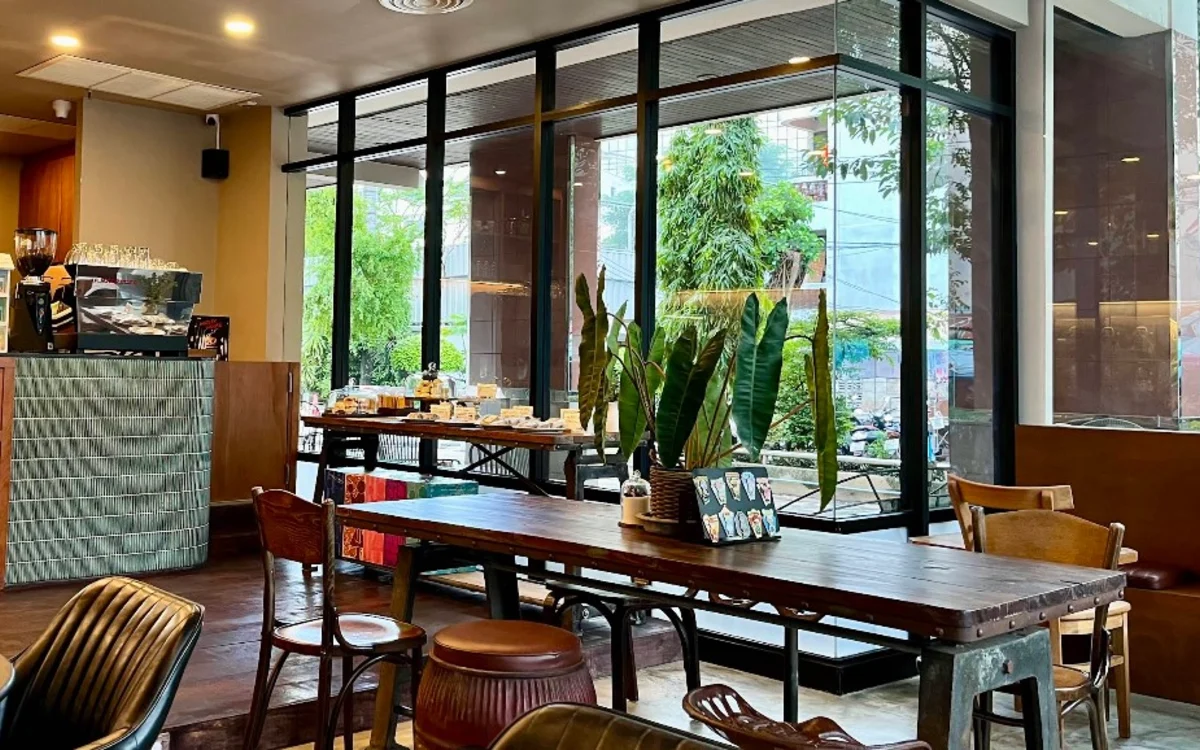
Three minutes on a listing is not your complete journey
A café's walking estimate usually concerns the street segment, not every stage from the train door to a free table. Add time to leave the platform, choose the correct side of the road, wait at crossings, and find an available seat. If you are carrying luggage, travelling in rain, or moving more slowly, allow additional margin. We have not timed these walks ourselves, so the figures are planning estimates from the current catalogue. Open the café's Maps link rather than relying on a neighbourhood name. A route that looks short on a small map may still be inconvenient for your specific starting point.
For a closer comparison, see Best Ari cafés for digital nomads: build a reliable remote-work day.
Use a close café for a defined short task
The strongest use case is a task that benefits from a quick arrival: replying to messages, reviewing slides before an appointment, or meeting someone for a brief conversation. Arrive with files downloaded and your device charged. If the café does not confirm plugs, do not plan a battery-intensive video session and hope an outlet appears. Keep your bag easy to pack and set a departure reminder that includes the return walk to the platform. Short sessions are successful when they reduce friction around the rest of the day, not when they try to recreate a complete office in the nearest available room.
Where CAFE VONDERVIC fits in this guide
The café is useful to mention because it meets the approximate walking criterion. However, the current café details marks laptop friendliness and power as no, and only confirms Wi-Fi. Its older summary describes focused laptop time upstairs, which creates a material conflict for readers. We therefore do not count it among the dependable work recommendations below. Open its café page for the latest correction or visit for a break if that better matches your plans. A useful short-walk article should explain why a nearby café might not suit the task, rather than hide the limitation to make the list longer.
When an extra few minutes are worth it
If you need charging, an extended session, or a more appropriate meeting setup, relax the five-minute boundary deliberately. Compare the wider station list and calculate the extra walk against the time you would otherwise spend looking for a socket or moving again. A six-minute option with the right facilities can be more convenient than a three-minute option that forces an immediate change of plan. Conversely, for a quick drink before a train, facilities you will never use should not complicate the choice. Keep the reason for your visit in view, and let the walking threshold serve that reason rather than become a rule for its own sake.
Check CAFE VONDERVIC’s current laptop policy and photos.
Cafés to compare for this plan
The Coffee Zelection
The Coffee Zelection is handy when you have time for one coffee and a small task before your next appointment. It is around three minutes from Ari, welcomes laptops and has Wi-Fi. Bring a charged device, though, because dependable socket access is not confirmed. Replying to a few messages or checking a document fits the short walk better than planning a whole afternoon around a charger. You can come alone, as a pair or in a small group; look at the available seats first if everyone needs table space.
Check The Coffee Zelection: current facilities, photos and station directions →
OIKOS Brunch & Bar
OIKOS Brunch & Bar is around four minutes from Ari and is useful when a proper table, food, and an easy meeting point matter more than charging. Laptop use is welcome, but plan to bring your own internet and battery power. Bring your own data and a charged device for a short session. Small-group suitability does not mean a private room or unlimited table time. For a meal-led meeting, send participants the café link and confirm that the seating arrangement works for everyone.
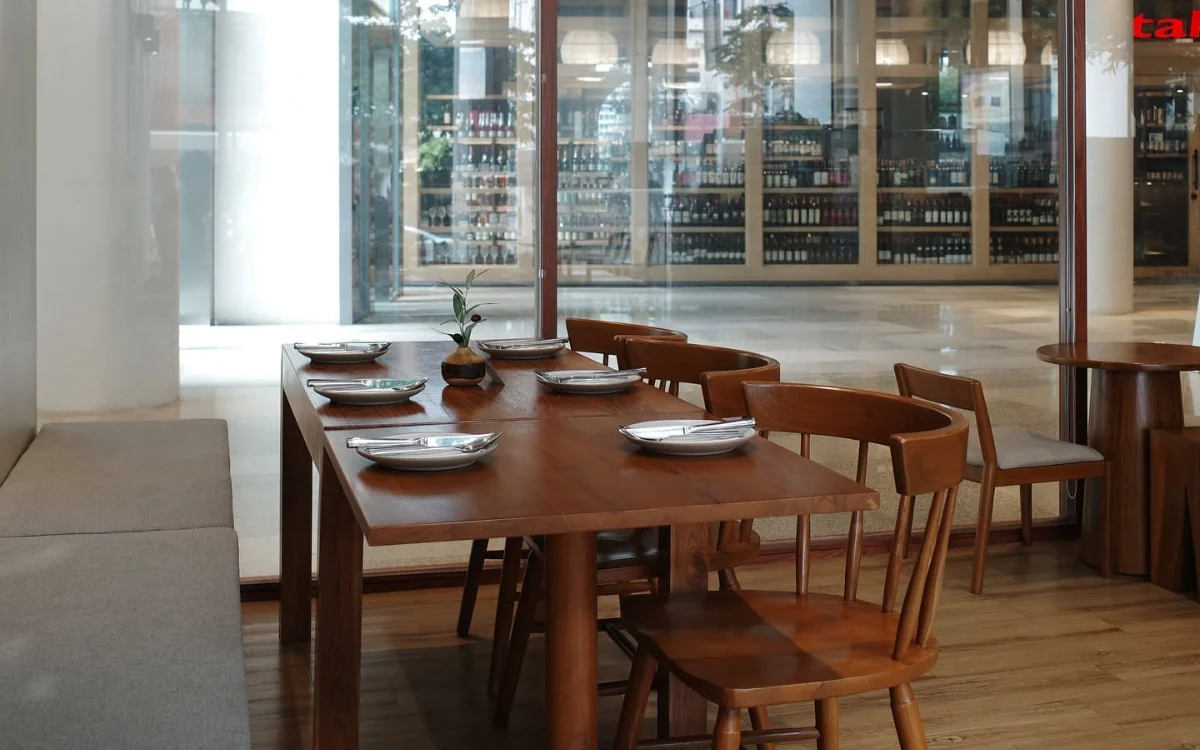
Check OIKOS Brunch & Bar: current facilities, photos and station directions →
At the table, check the essentials before settling in
Before buying a full meal or setting up your equipment, ask whether laptop use is welcome at that table and at that time. Look at the actual chair, available surface, and the position of any socket. Open the file you need over the café network, not just a speed-test page. A useful check is whether you can send a document, hear a short test call, and work without blocking anyone's path. Keep a charged phone ready as a backup connection. If a necessary condition is missing, a nearby alternative is better than repeatedly asking staff to solve an unsuitable setup.
Make the session work for the café too
A café remains a hospitality business even when its listing says laptop friendly. Order appropriately, keep your equipment within one seat, and ask about longer stays instead of treating a drink as a day pass. Avoid stretching a charging lead across a walkway or occupying a large group table alone during a rush. Take calls with headphones, but remember that headphones do not hide your speaking voice. If the room fills, be willing to shorten the session or order again according to the café's guidance. Finishing a planned task respectfully is a better outcome than staying as long as possible.
Browse all cafés near BTS Ari and compare nearby station options: BTS Ari · BTS Sanam Pao · BTS Saphan Khwai.
Plan your next step with Ari cafés for meetings and teamwork: choose the space for your group.